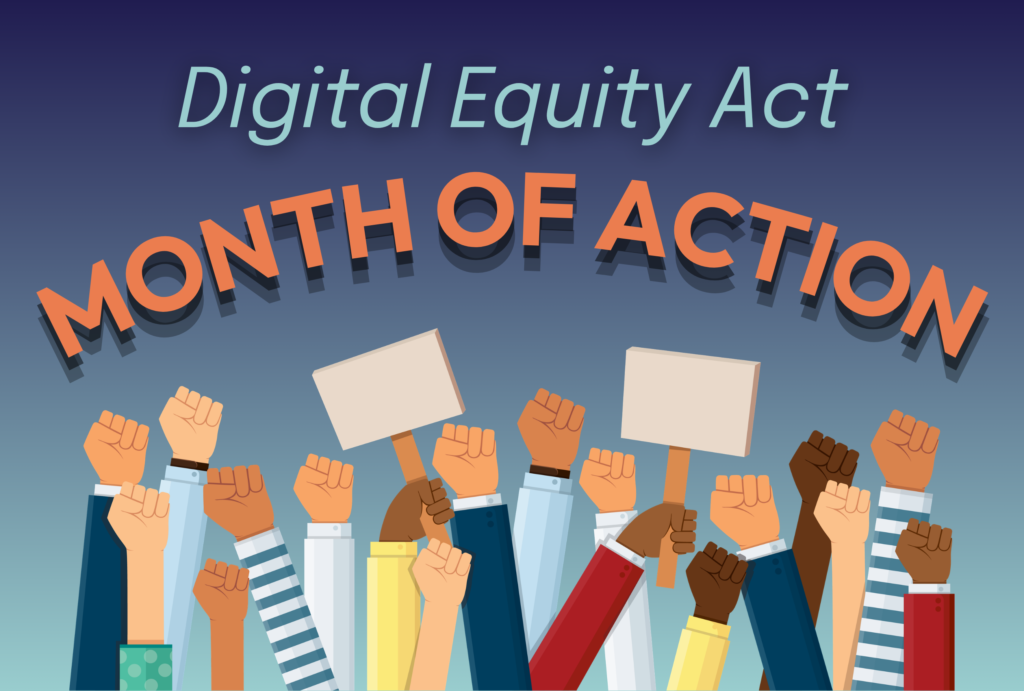
What are the digital accessibility practices that you often see being missed?
I have heard a lot about accessibility and inclusion;however, I have not witnessed much attention being given to digital accessibility awareness and for this reason, I wonder if there is a deficit into what guidelines hold us responsible and accountable for the lack thereof . In order to understand what digital accessibility practices are missed, I feel that it is important to define what digital accessibility inclusion is?
defines digital Inclusion as the activities necessary to ensure that all individuals and communities, including the most disadvantaged, have access to and use of Information and Communication Technologies (ICTs).
This includes 5 elements:
1) affordable, robust broadband internet service;
2) internet-enabled devices that meet the needs of the user;
3) access to digital literacy training;
4) quality technical support; and
5) applications and online content designed to enable and encourage self-sufficiency, participation and collaboration.
Looking at this definition it is easy to brainstorm and test what are some of the obstacles to digital inclusion. Everything costs – internet services are extremely expensive. Also , access to digital literacy demands that individuals sacrifice limited resources, such as competing for time, funding , and digital resources
The lack of bigger font text in public spaces stood out the most for me. As I begin wearing glasses, I realize how much of a pain it might be for individuals with visual impairment . Going shopping is sometimes a nightmare, but living with that knowledge everyday is far more alienating .
Why Many digital accessibility practices are missed
There are several reasons why digitital accessibility practices are missed .In this society, concerns do not get addressed unless they are raised, and when they are raised their ability to go further depends on networking , who you know, or what political sway your group holds . Politicians take action when it advances their agenda .
Are there any digital accessibility practices that surprised you? Why?
The one that surprised me the most was website font sizes. I take it for granted that with technology it is easy to change font sizes
Why do you think many digital accessibility practices aren’t more well-known or commonly used?
I think many digital accessibility practices aren’t more well-known because of the gap in the public educational piece . The public is not trained to spot the sign.
As the National Digital Alliance noted “Digital Inclusion must evolve as technology advances. Digital Inclusion requires intentional strategies and investments to reduce and eliminate historical, institutional and structural barriers to access and use technology.”
Photo taken from the National Digital Alliance website
Below is my first attempt at a screencast tutorial. I focused on what I know best: Google Ads (formerly AdWords) – best practices and account setup. While this video does not cover an Indigenous sport, my original plan was to create a screencast on a topic I am comfortable with. In the future, I would like to create tutorials on how to play netball or cricket – two sports I grew up with that were brought to my community through colonialism. That future project would allow me to teach history and sport together using multimedia.
1. Why teaching with stories catches learners’ attention and makes information easier to recall
Stories work because they carry emotion. When a story is sad – like residential school experiences – it can be heavy for both the storyteller and the listener. But telling that story through a short video removes some of that emotional burden. The video delivers one clear, consistent message every time. Research shows that short videos help people retain information at a higher volume than plain text. Stories give information a structure – a beginning, middle, and end – that our brains naturally follow. That’s why we remember what happened in a movie long after we forget a list of facts.
Even in a technical tutorial like my AdWords screencast, I can embed a mini-story: “A small business owner wants to reach more customers but has a limited budget – here’s how to set up your first campaign.” That narrative hook keeps viewers engaged.
2. Pros and cons of using video creation as a teaching tool for language revitalization (or other subjects) in a practicum classroom
Pros:
· Many students already have access to devices, so video creation is feasible.
· Video can preserve oral language and allow students to hear themselves speaking the target language.
· It supports different learning styles and allows for repeated viewing.
· It can deliver difficult histories (like colonialism in sports or residential schools) in a consistent, respectful way.
Cons:
· We cannot assume all students are comfortable with technology. Teachers might unconsciously give less help to boys (assuming they already “get” tech) while giving more help to girls – that’s an unintended consequence.
· Over-reliance on media can trap students who have difficulty with self-regulation. They might hyperfocus on editing or become frustrated.
· Multimedia also carries cultural significance in individual homes – not every family values screen time equally, and access to quiet spaces or software varies.
3. How I could use video editing as an assignment medium for language revitalization (or other subjects), including grade level and engagement strategies
Grade level: Grade 7 Social Studies or Language Arts
Assignment (based on my original plan): Create a 2-5 minute video tutorial on how to play a traditional sport that came to your community through colonialism – for example, netball or cricket. The video must include:
· Two basic rules of the game
· One historical fact about how colonialism brought the sport to your country
Steps:
1. Research the sport’s colonial history (one class period).
2. Write a short script (5–7 sentences) explaining the rules and one historical connection.
3. Record using images, screencast, or talking-head video.
4. Edit using free tools like CapCut, iMovie, or WeVideo (add voiceover, text, background music).
To make it engaging:
· Offer choice – students can select netball, cricket, or another colonial-era sport.
· Allow pair work to reduce tech anxiety.
· Host a classroom “film festival” with popcorn.
· Use a simple rubric focused on effort, clarity, and respectful historical awareness – not professional editing.
Why this works: It teaches history (colonialism) through sport – a hands-on, story-driven approach. Students learn to play a new game while understanding how that game arrived in their community. Multimedia bridges the generational gap and presents history in a way that is receptive, responsive, and respectful.
Who says anyone can do tech? Well, my experience so far has been at a snail pace. The good news is that I am getting there. This is the live experience of the tortoise and the hare. Please, come any time to check out my journey!
As a parent of a 16‑year‑old son, I struggle. He doesn’t like reading. When I asked him what he wants to be when he grows up, he said, “I don’t know.” That scared me — because society is merciless with that answer.
He wants to keep playing video games and not have to worry about a future job. My husband and I find ourselves advising him to get a “safe” government job — stability, benefits, a pension. His mind is far from that reality. And honestly? That’s not fair to him.
The other day, as I drove him to his after‑school program, he was trapped in the car with me. I tried to share the reality of the world — how jobs work, how rent gets paid, how “I don’t know” isn’t an acceptable answer. He told me he reads comic books. I almost said, “That’s not real reading.” But I stopped myself.
Why isn’t it?
I worry about the books that await him in grade 11 — the dry, dense texts he already resists. Then I remember the question the students at High Tech High are asked: “Would you rather study to pass, or study to learn life skills?”
His answer didn’t require a moment of hesitation.
“I’d rather learn life skills.”
So now I’m left thinking: my son is ready to reimagine education. But the global stage is not.
A Quick Look at “Most Likely to Succeed”
I watched a documentary called “Most Likely to Succeed” about High Tech High — a public charter school in San Diego with no tests, no grades, just real projects. In the film, a shy student named Samantha transforms into a confident leader over one year.
Samantha’s mother voices the exact fear I carry: she loves seeing her daughter engaged, but she worries the school won’t prepare her for the SAT or college.
That’s it. That’s all I need from Samantha. Because this post isn’t about her. It’s about my son.
Possible Benefits: My son would thrive with real projects, not worksheets. His love of gaming could become a learning plan — game design, narrative writing, economics. His comic books would count as reading. He would finally feel engaged, not broken.
Possible Drawbacks: What about grade 11 books? What about the SAT? Samantha’s mother worried about the same things. I’m not sure I’m brave enough to risk my son’s future on a “maybe.”
Privacy & Security: If my son’s school used project‑based learning online, I would want his data protected — no tracking, no surveillance. Privacy allows a child to try, fail, and grow without being branded.
Equity Issues: Not every parent can choose an innovative school. Many families are locked into whatever system they are given. We are lucky to even have this conversation. That privilege itself is an equity problem.
Equity: The Unspoken Trap
Not every parent has the time or the “cultural capital” to even consider an alternative school. Many families are simply locked into the system they are given.
If my son were at High Tech High, his love for gaming could be channeled into a project about narrative design, game economics, or computer programming. But in his current school, that same passion is treated as a distraction. The difference isn’t my son — it’s the imagination of the system he sits in.
Lesson Lessons vs. Learning Plans
Traditional “Lesson Lessons” treat students as empty vessels that need to absorb the instructor’s teaching. This model rewards passive compliance and memorization. Success is defined by tokenized outcomes — grades, transcripts, and the credentials society tells us to chase.
Learning Plans are designed with the learner’s capabilities, interests, and goals in mind. They acknowledge that a student who claims to dislike reading but secretly devours comic books is a reader — just not one the system knows how to recognize.
My son told me he wants to learn life skills. That is a learning plan. The worksheet on his desk is a lesson lesson.
Why Privacy Matters in Our Classrooms
We live in an age of data, surveillance, and algorithmic sorting. Privacy is not a luxury — it is a prerequisite for safety, transparency, and accountability.
When we ask students to be vulnerable (to try, to fail, to question), they must know their personal data, their mistakes, and their struggles are not being tracked, sold, or weaponized against them. Privacy allows the experimentation that real learning requires. Without it, the classroom becomes a prison of performance.
That said, protecting minors should never be compromised. We need those measures to allow kids to be safe, happy, and to flourish. Laws that limit transparency — like sections 14, 15, and 21 in access‑to‑information requests — can sometimes hide too much. But their intent is to shield children from harm. The challenge is finding the balance: protecting kids without hiding wrongdoing behind a wall of procedure.
Privacy and transparency are not enemies. But they do need constant negotiation.
Using Creative Commons Images
Incorporating openly licensed images into this blog engages readers, enhances their experience, and improves retention. A well‑chosen image can make an abstract idea feel concrete and human.
But it’s also important that individuals receive credit for their individual effort. We often want things for free without taking the time to acknowledge the person who made them. That’s not fair, and it’s not ethical. To acknowledge other people’s work, time, and effort — that’s the bare minimum we owe creators.
Given credit where is due is the threshold to been a decent human being.
Always verify the license and provide clear attribution when required (e.g., CC BY). Respecting creators’ rights is part of being a responsible digital citizen.
Conclusion: The Gap
My son is ready. He wants comic books counted as reading. He wants life skills over test scores. He may not know what job he wants at sixteen, but he knows he doesn’t want to waste two years on content that feels dead to him.
Samantha’s mother chose to send her daughter to High Tech High anyway. I admire her. But I’m not her.
The pressure of the global stage — college admissions, standardized exams, employers who still ask for a traditional transcript — is immense. The system is not ready for my son.
But maybe a few more car conversations, a few more questions asked and honestly answered, can start to change that.
Call to Action
Have you seen “Most Likely to Succeed”? What would you choose for your own child — happiness or a credential? Let’s continue the conversation in the comments.